

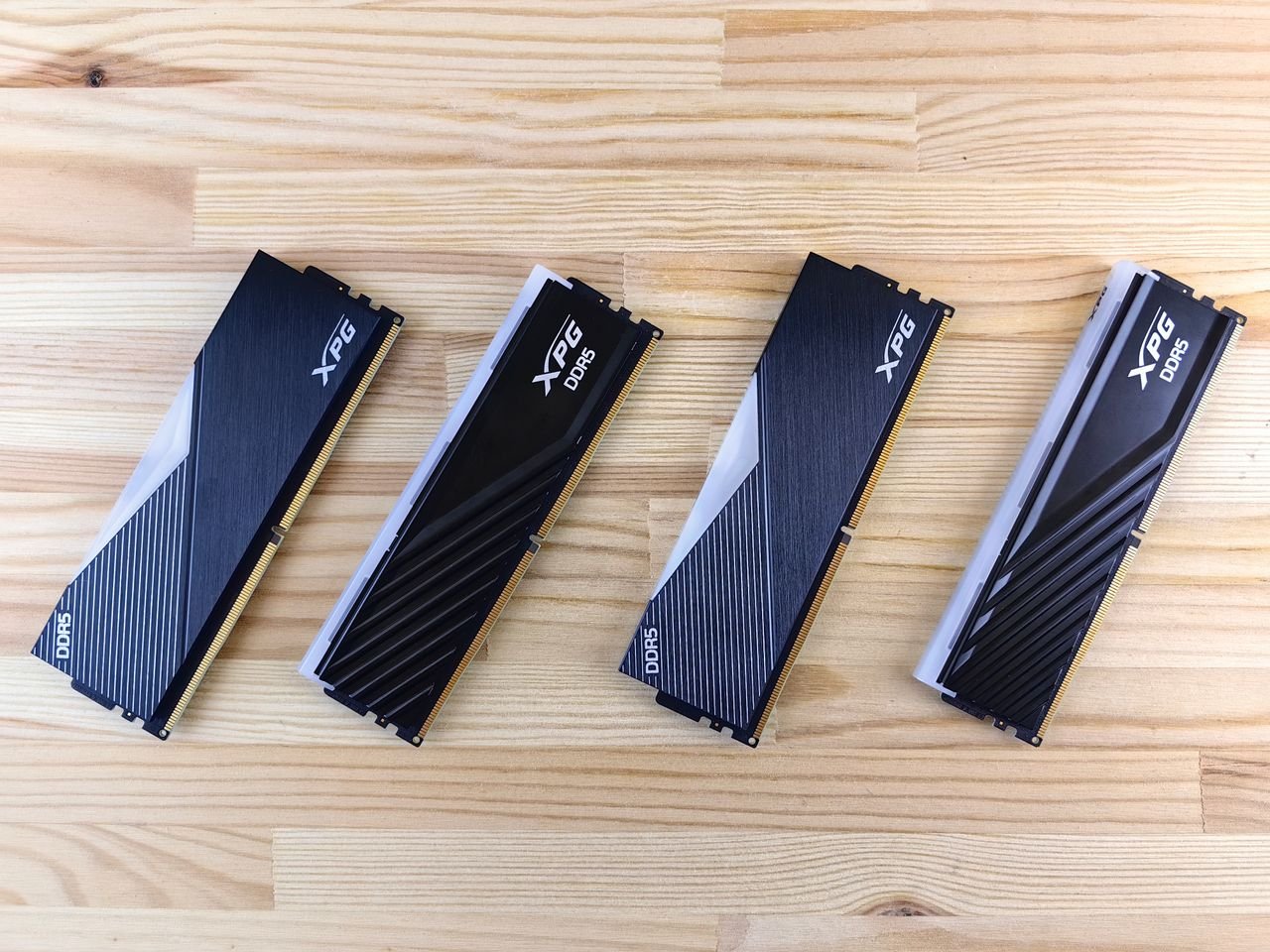
If you’ve tried running recent AAA action games—from sprawling open-world combat titles to fast-paced character action games—you may have noticed sudden hitching, delayed texture pop-in, or micro-stutters during intense fights. While your graphics card (GPU) dictates overall frame rates, Random Access Memory (RAM) is what keeps your gameplay smooth when action becomes chaotic.
As games become more complex with high-resolution assets, dense NPC crowds, and complex physics pipelines, memory bottlenecks are more common than ever.
Here is a breakdown of exact RAM requirements for action games, how memory affects combat performance, and whether 16GB, 32GB, or 64GB is right for your system.
Quick Guide: RAM Requirements for Action Gaming
| System RAM | Performance Tier | Ideal For… | Common Symptoms |
| 8GB | Obsolete | Legacy / Indie titles only | Severe stuttering, long load times, frequent crashes |
| 16GB | Bare Minimum | 1080p gaming, competitive action | Minor hitching when Alt-Tabbing or during crowded fights |
| 32GB | Sweet Spot | 1440p / 4K AAA action, heavy modding | Butter-smooth 1% lows, zero texture streaming delay |
| 64GB+ | Enthusiast / Creator | 4K game streaming, 3D development | Future-proofing; overkill for pure gaming setups |
Why Action Games Are Uniquely RAM-Intensive
Unlike slow-paced turn-based games, action titles push real-time memory management to its absolute limit:
1. Fast Asset Streaming & Open Worlds
In fast action games (e.g., swinging across rooftops or sprinting through hostile cities), the engine must instantly load geometry, high-res textures, and audio files into RAM ahead of your character. If your system runs out of physical RAM, it relies on your storage drive’s page file—causing noticeable micro-stutters right when you try to dodge or parry.
2. Particle Effects & Destruction Physics
Explosions, spell effects, sparks, dynamic lighting, and ragdoll physics generate massive bursts of short-term data. Having extra RAM capacity ensures these spikes are absorbed smoothly without dropping frame times mid-combat.
3. Unreal Engine 5 & Next-Gen Engines
Modern action titles leveraging Unreal Engine 5 features like Nanite (virtualized geometry) and Lumen (global illumination) require higher baseline system memory to stream complex world geometry seamlessly.
16GB vs. 32GB: The Real-World Comparison
Is 16GB Still Enough?
Yes, but barely. 16GB remains the minimum baseline required to launch and play most modern action titles at 1080p. However, running a 16GB system means:
-
You must close background apps (Web browsers with dozens of tabs, Discord screen shares, overlay tools) before gaming.
-
You may experience slight stuttering in the 1% low frame rates, especially during heavy particle-dense boss fights or dense town hubs.
Why 32GB Has Become the Recommended Standard
For high-refresh-rate 1440p or 4K action gaming, 32GB is the optimal sweet spot.
Upgrading from 16GB to 32GB typically doesn’t raise your maximum average FPS from 60 to 80. Instead, it eliminates frame drops. It keeps the 0.1% and 1% low frame rates stable, preventing the brief freeze that can cause you to miss a parry window or dodge prompt.
RAM Speed & Channels: What Matters Most?
Capacity is only half the equation—how your memory is installed and configured directly impacts action game responsiveness:
[Single-Channel RAM (1 Stick)] ──> Half Bandwidth ──> Frame Stutters
[Dual-Channel RAM (2 Sticks)]   ──> Full Bandwidth ──> Smooth Frame Times
-
Dual-Channel is Mandatory: Always run RAM in matching pairs (e.g., 2 x 16GB instead of 1 x 32GB). Dual-channel configuration doubles memory bandwidth, significantly boosting CPU-bound frame rates in dense action environments.
-
DDR4 vs. DDR5: DDR5 (5600MHz – 6000MHz) delivers higher data transfer rates than older DDR4 (3200MHz). For fast-paced combat games, DDR5 provides noticeably tighter frame-time consistency.
Verdict: How Much Should You Buy?
If you are building or upgrading a PC for action games:
-
Buy 32GB (2 x 16GB DDR5) if you plan to play new AAA action titles, play at 1440p/4K resolutions, or keep background apps like Discord and Chrome open while gaming.
-
Stick with 16GB (2 x 8GB) only if you are on a strict budget, playing competitive 1080p esports titles (like Valorant or Apex Legends), and don’t mind closing secondary apps.
-
Avoid 8GB entirely for modern action games, as it will lead to severe performance bottlenecks and hitching.